Generic image to grid tool
Image to Grid Converter
Upload an image and turn it into a pixel grid, overlay grid, or printable drawing guide.
This image to grid converter supports both pixel and overlay grid modes. Use pixel mode to simplify your photo into square cells with a small color palette. Use overlay mode to keep the original photo and add adjustable grid lines for drawing, painting, or classroom references.
Pixel Grid
Simplify colors
Overlay Grid
Lines on photo
Printable Guide
Drawing ready
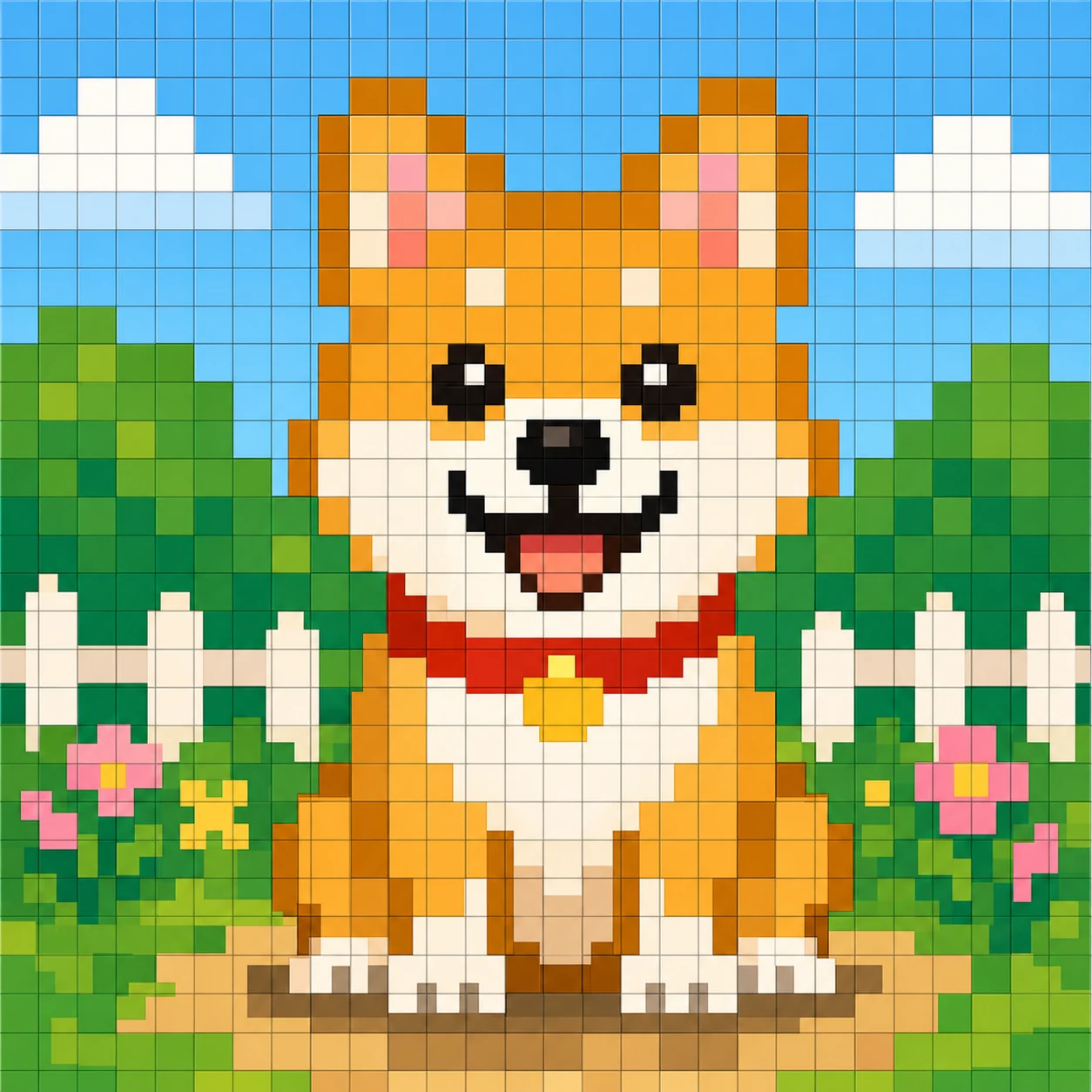
Overlay Grid Mode

Converter
Convert Any Image to a Grid
Drop a photo, screenshot, logo, drawing, or icon into the image to grid converter and choose your mode. The tool works entirely in your browser and never asks for a signup.
Upload Image
Drop your image, photo, picture, screenshot, or img file here. The image to grid converter prepares it for pixel mode or overlay mode.
Output
Upload an image to start
Your pixel grid, paint-by-number guide, and overlay grid will appear here after upload.
Generating your pixel grid...
Two Modes
Choose Pixel Grid or Overlay Grid
One image to grid converter, two clean outputs. Pixel mode simplifies your photo into square cells with a small palette. Overlay mode keeps the original photo and adds grid lines you can adjust.
Turn the image into square cells
Drop a photo into pixel grid mode and the image to grid converter reshapes it into a clean square grid with reduced colors. The result is small, readable, and easy to repaint by hand. Use the paint-by-number guide to follow each color block.
Keep the original image, add lines
Overlay mode keeps your photo unchanged and adds adjustable grid lines on top. Pick columns, rows, line width, line color, and opacity to create a drawing reference or classroom worksheet. Download the overlay as PNG when you are done.
Download
Download a Printable Grid Guide
When you need a printable drawing guide, classroom worksheet, or craft pattern, the image to grid converter gives you PNG downloads for both modes.
Pixel PNG download
Pixel mode currently downloads as PNG. Use 32x32 for icons, 64x64 for balanced designs, and 128x128 for detailed pictures.
Paint-by-number PNG
Guide PNG downloads are available today. Use the numbered cells and palette key as a printable reference.
Printable PDF guide Planned
PDF guide export is planned so you can print a clean grid drawing reference at home. PNG downloads already work today.
Overlay PNG download
Overlay mode downloads as PNG with the original photo and your chosen grid lines. Perfect for tracing and line art references.
Use Cases
When to Use an Image Grid
Use the image to grid converter when you want a clean, repeatable plan for any project that benefits from cells and color blocks.
Drawing reference
Turn any photo into a drawing reference. Overlay mode adds lines you can trace, and pixel mode gives you a clean palette to match.
Pixel art
Simplify a logo, icon, or portrait into a small pixel grid with a manageable number of colors. Easy to recreate block by block.
Craft pattern
Cross-stitch, knit, or perler bead patterns need clean grids. Use overlay mode to print a grid on top of your design.
Classroom worksheet
Make a grid worksheet from a historical photo, map, or scientific image. Add lines with overlay mode and print on letter or A4 paper.
Game art guide
Plan a small pixel artwork for life-sim games like Tomodachi Life. Open the Tomodachi Life image converter for a tuned workflow.
Logo and icon cleanup
Reduce a busy logo into a small grid for use in headers, badges, or avatars. Toggle overlay if you want to keep the original.
More tools
Related IMG2GRID Pages
If you already know you need pixel art or a Tomodachi Life pixel grid, jump straight to those pages.
Tomodachi Life Image Converter
Game-ready pixel grid, palette, and paint-by-number guide for Tomodachi Life Palette House.
Tomodachi Life Pixel Art Maker
Make Tomodachi Life pixel art from photos, logos, characters, and album covers.
Tomodachi Life Pixel Grid Generator
Create a copyable pixel grid with lines, color numbers, and a palette key for Palette House.
FAQ
Image to Grid FAQ
How do I convert an image to a grid?
Upload an image, choose pixel mode or overlay mode, adjust rows, columns, line width, line color, and opacity, then download the result as PNG. Pixel mode turns the image into square cells with a reduced palette. Overlay mode keeps your original photo and adds grid lines on top.
Can I add grid lines to a photo?
Yes. Switch to Overlay Grid Mode to keep the original image and place adjustable grid lines on top. You can change row count, column count, line width, line color, and opacity to create a clean drawing reference.
What is the difference between a pixel grid and an overlay grid?
A pixel grid turns the image into simplified square cells with a small color palette. An overlay grid keeps your photo unchanged and adds lines on top, which is ideal for drawing, painting, or classroom references.
Can I download the grid image?
Yes. Pixel PNG, Guide PNG, and Overlay PNG downloads are available today. Printable PDF output is planned.
Can I make a printable grid?
Printable PDF guide export is planned. PNG downloads work today and can be printed from any browser or image viewer.
Is this image to grid converter free?
Yes. IMG2GRID is a browser-based image to grid converter that runs in your browser with no signup.