 Upload Image
Pixel art creation
Create Tomodachi Life pixel art from photos, logos, characters, album covers, and simple images.
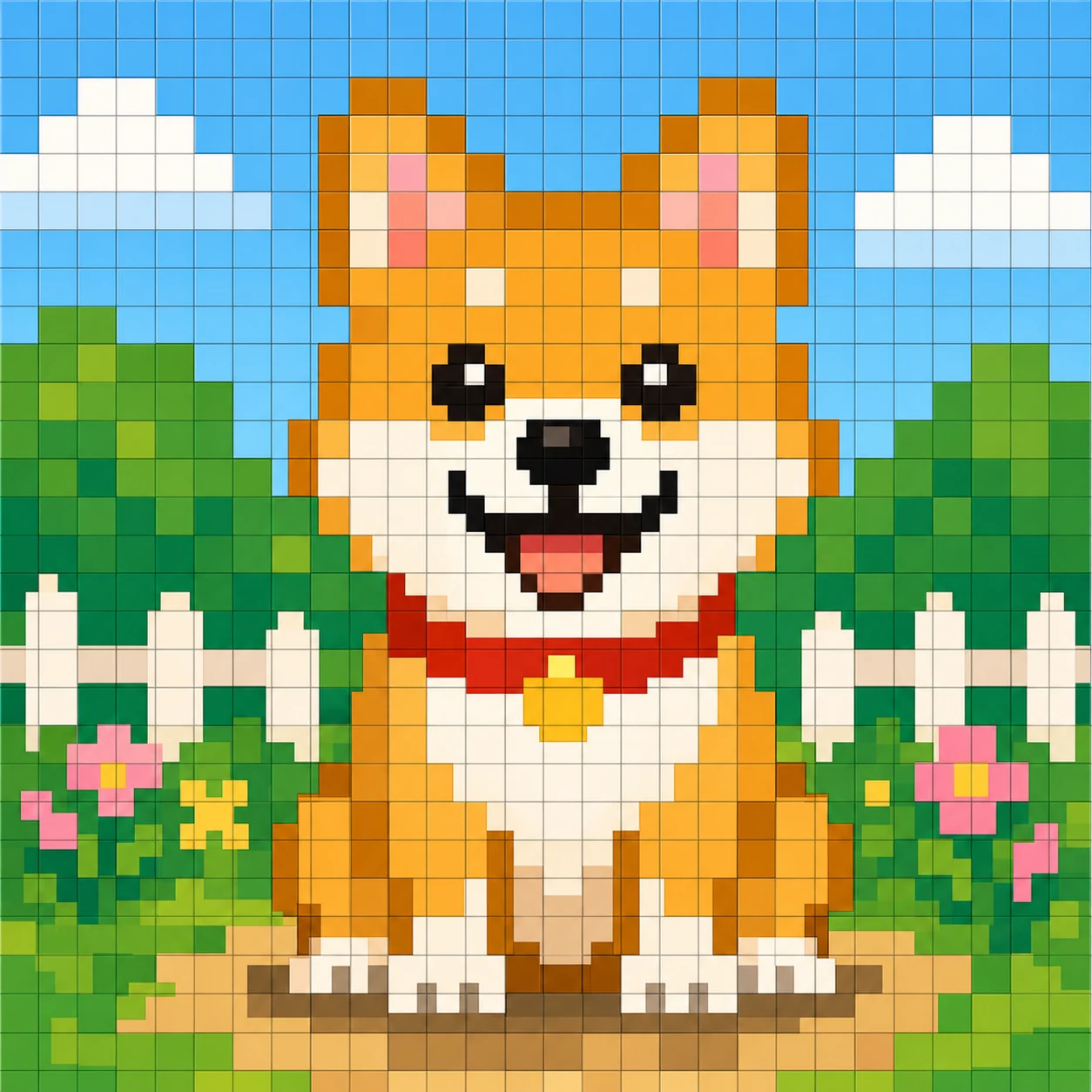
The Tomodachi Life pixel art maker turns your source image into a small grid with limited colors and a paint-by-number guide you can recreate in Palette House. Start with a clear image, pick a small grid, reduce the palette, then paint section by section.
Maker
Upload a photo, logo, character, album cover, or simple drawing and the Tomodachi Life pixel art maker reshapes it into a small grid with a limited color palette. The output is a paintable guide, not a direct in-game import.
Drop your image, photo, picture, screenshot, or img file here. The Tomodachi Life pixel art maker prepares it for a small grid and reduced palette.
Your Tomodachi Life pixel art and paint-by-number guide will appear here after upload.
Generating your pixel art...
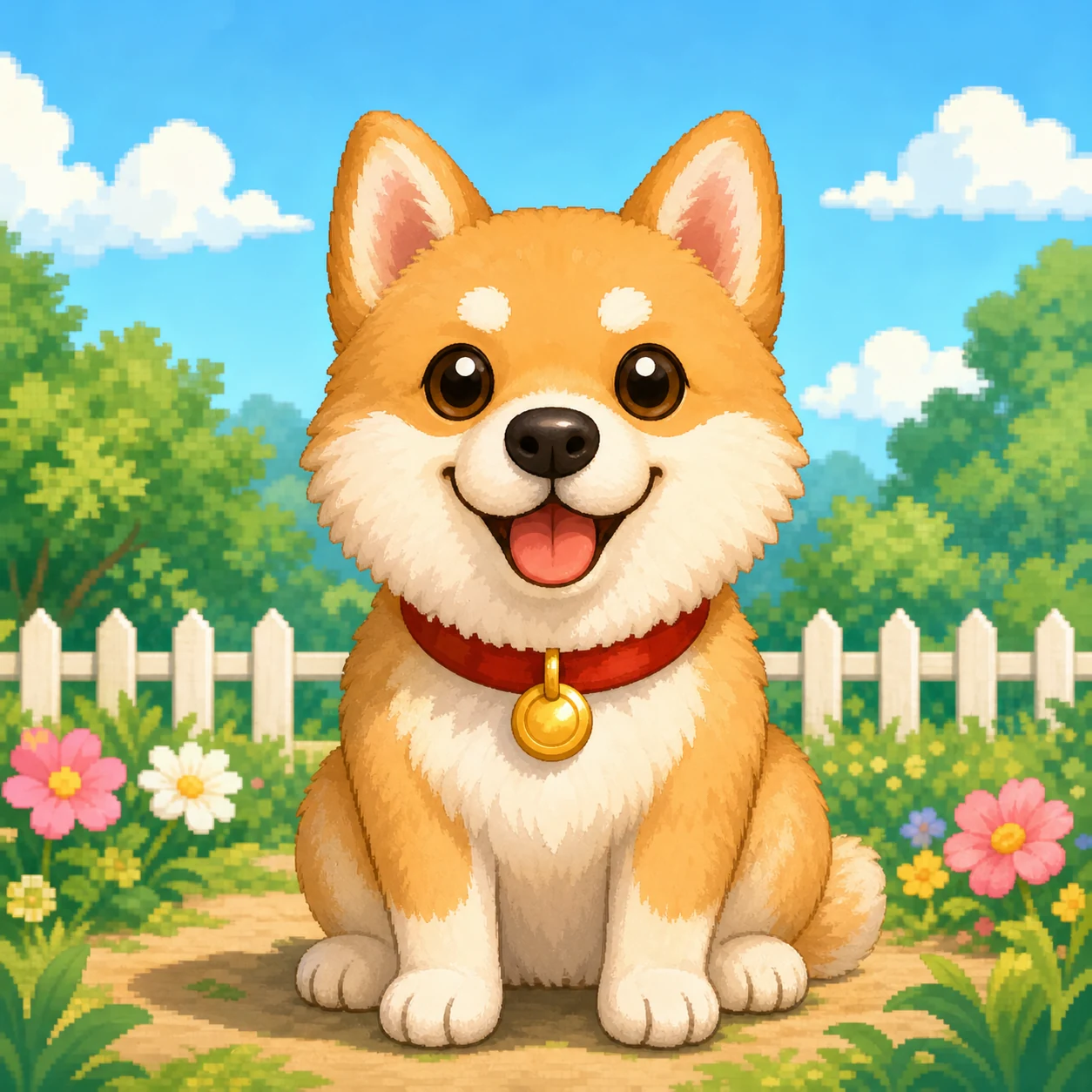
Source image
Strong source images make the best Tomodachi Life pixel art. Pick photos, logos, or album covers that are simple, contrasty, and free of tiny detail.
Settings recipe
Different starting images work better with different grid sizes and color counts. Use the recipe table below as a starting point and adjust until the preview feels right.
| Use case | Grid | Colors | Notes |
|---|---|---|---|
| Simple icon / logo | 24x24 or 32x32 | 8 to 16 | Fastest to recreate in Palette House |
| Album cover | 32x32 or 36x36 | 16 to 24 | Balance detail and effort |
| Character face | 36x36 | 16 to 32 | Crop the face large and avoid hair details |
| Poster / detail | 48x48 or 64x64 | 24 to 32 | Harder but clearer for art posts |
Ideas
These compact card ideas work especially well as Tomodachi Life pixel art subjects. Pick one, drop a source image, and start painting.
Friends, mascots, original characters, and small creatures make excellent subjects. Use 32x32 with 16 colors for a clean look.
Pick an album cover with bold shapes and limited text. Reduce to a 32x32 or 36x36 grid for a poster look in any Tomodachi Life room.
Turn a brand or custom logo into a small pixel grid for in-game decorations. Keep contrast high and skip tiny text.
Crop close, choose 36x36, and limit colors so the hair and expression stay readable. Pair with the Tomodachi Life pixel grid page for copying help.
Big bold shapes for room posters. 48x48 with 24 colors gives enough detail without making the painting project overwhelming.
Compact subjects with clean edges. Use 24x24 with 8 colors to recreate snacks, food items, and gift icons quickly.
Related tools
If you need a copyable pixel grid with cell lines and color numbers, jump to the Tomodachi Life Pixel Grid Generator.
FAQ
Upload an image, choose a small grid such as 32x32, reduce the color count to 16 or fewer, then use the paint-by-number guide to recreate the artwork section by section in Tomodachi Life Palette House.
Simple, high-contrast images with clear subjects and limited tiny details work best. Avoid noisy backgrounds, low-contrast gradients, and tiny text.
Use 24x24 or 32x32 for simple art, 36x36 for balanced detail, and 48x48 or 64x64 for patient detail work. Smaller grids are easier to paint inside Tomodachi Life.
16 to 32 colors for most Tomodachi Life pixel art. Fewer colors are easier to paint and usually look cleaner in Palette House.
Yes. Album covers with bold shapes and limited small text make excellent Tomodachi Life pixel art starting points.
Yes. Crop the face closely, choose 36x36, and reduce to 16 or 24 colors so tiny facial details stay readable.